

Introducing Route by Caller ID in Flow
Not all calls are created equal. Your biggest client calling about a renewal deserves a very different experience to an unknown number that’s called four times this week trying to sell you a car warranty.
Until now, treating callers differently in Flow meant working around the edges. Today, we’re making it official with a new step: Route by Caller ID.
What it does
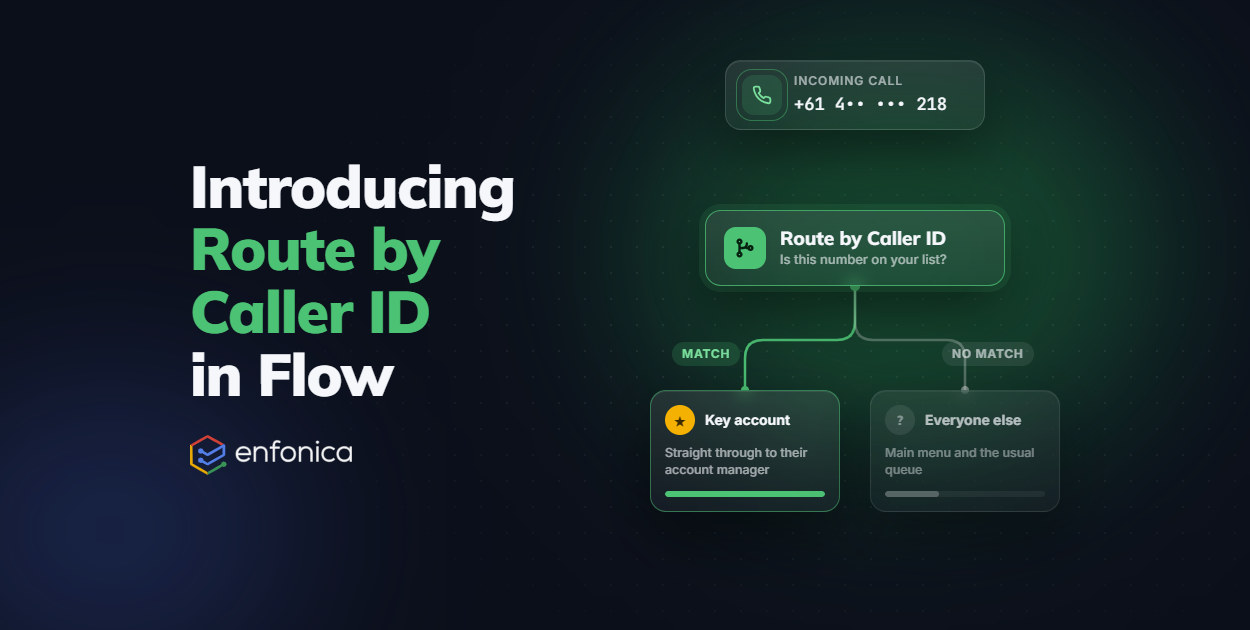
Route by Caller ID does exactly what it sounds like. Drop it into any Flow, give it a list of phone numbers, and it checks the incoming caller’s number against that list.
- If it’s a match: the call takes the Match exit.
- If it’s not (including calls with a withheld or anonymous number): it takes the No Match exit.
From there, you’re free to build whatever experience makes sense: send matched callers straight to a senior rep, skip them past the queue, or route unmatched callers off to voicemail. The step itself doesn’t play any audio. It’s a silent fork in the road that lets the rest of your Flow do the talking.
Numbers are entered in full international format (E.164), so a mobile number would look like: +6142345678. This keeps things unambiguous, regardless of which country your callers are dialling from.
VIP treatment for your best customers
Every business has callers who shouldn’t have to wait in the same queue as everyone else. Think key accounts, VIP clients, or your own team calling in from the field.
With Route by Caller ID, you can build a Flow that recognises these numbers automatically and sends them straight where they need to go: a direct line to their account manager, a shorter queue, or a personalised greeting that uses their name. No more “please hold” for the people who matter most to your business.
Shutting the door on nuisance callers
The same logic works just as well in reverse. If a number keeps calling with no legitimate reason to, like a persistent scammer, a known spam number, or someone you’ve simply asked to stop calling, add them to your Caller ID list and route them straight to a polite rejection message, or nowhere at all.
It’s a simple, effective way to protect your team’s time and keep your call queues focused on the conversations that actually matter.
Beyond VIPs and blocklists
Once you start thinking in terms of “who is this?”, the possibilities open up. A few ideas to get you started:
- Partner and supplier lines: route known business partners directly to procurement or operations, skipping your general support queue.
- Internal staff numbers: let your team dial in and reach an internal menu, while customers get the standard customer-facing flow logic.
- New leads vs. customers: if it’s a new lead calling, send them to a menu to select what they’re after. If it’s an existing customer, add their number to the list and they’ll skip the options entirely, going straight through to your team.
Build amazing call experiences for your customers
At the end of the day, that’s what this is all about. A phone call is often the moment your business matters most to a customer — and how that call is handled says a lot about who you are. Route by Caller ID gives you one more tool to make sure the right people get the right experience, every time.
Ready to give it a go? Head into the Flow editor in the Enfonica Console and drop the new step into your call flow, or check out the documentation for the full rundown.
Related
A Seamless Migration for Motion Australia
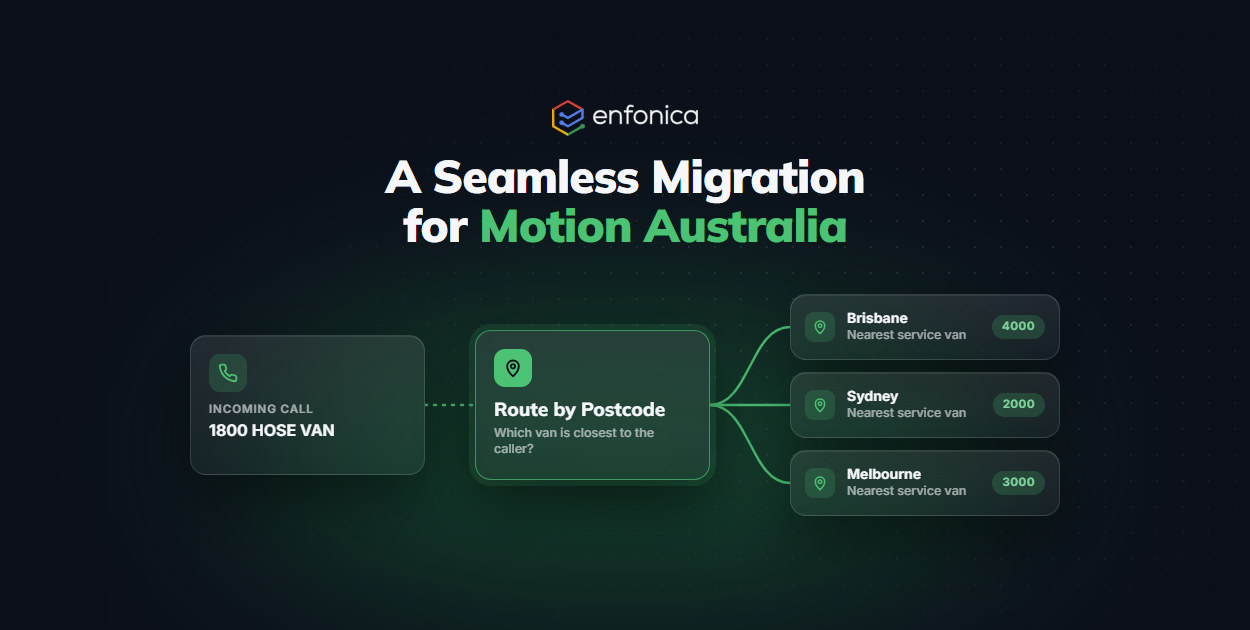
When Motion Australia needed a reliable partner to support their 1800 HOSE VAN service, they turned to Enfonica for a modern, flexible telecommunications solution. Their…
Continue reading: A Seamless Migration for Motion Australia
Personalise Your Telco Media with Enfonica Flow
A strong brand isn’t just about logos and colors. It’s about how your business feels, sounds, and connects with customers. Every touchpoint shapes how your brand is…
Continue reading: Personalise Your Telco Media with Enfonica Flow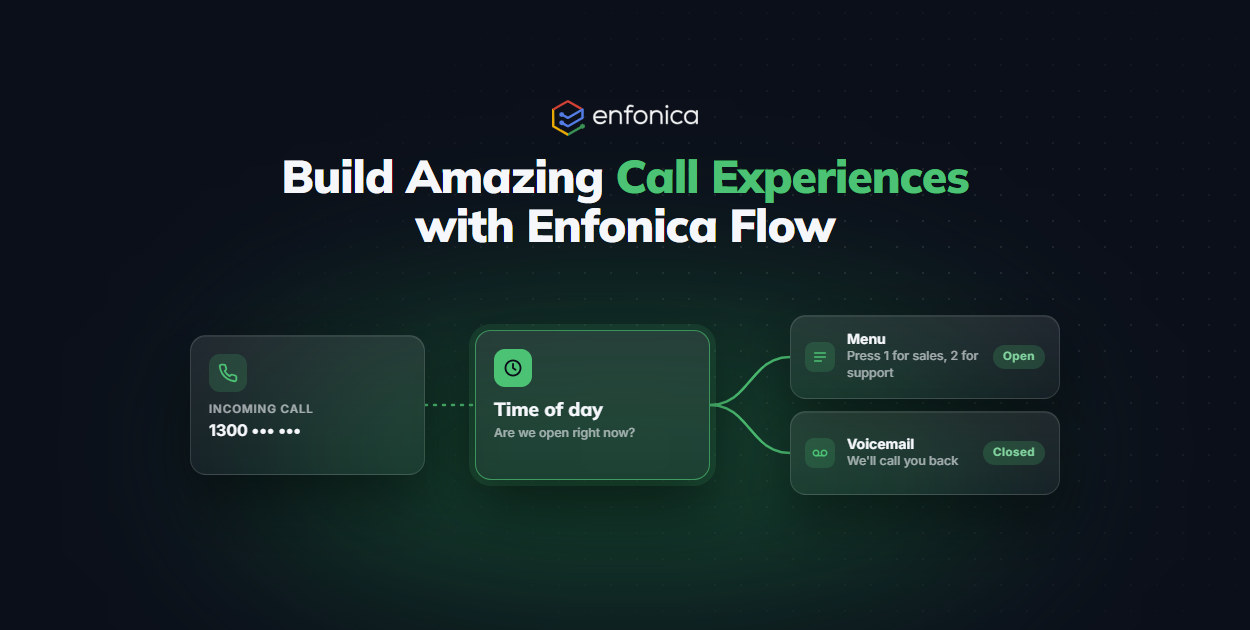
Build Amazing Call Experiences with Enfonica Flow
Managing your business’s phone system shouldn’t be complicated. With Enfonica’s Flow builder, you have full control over how your customers connect with your business…
Continue reading: Build Amazing Call Experiences with Enfonica Flow