

Build the way you want. No code, no problem.
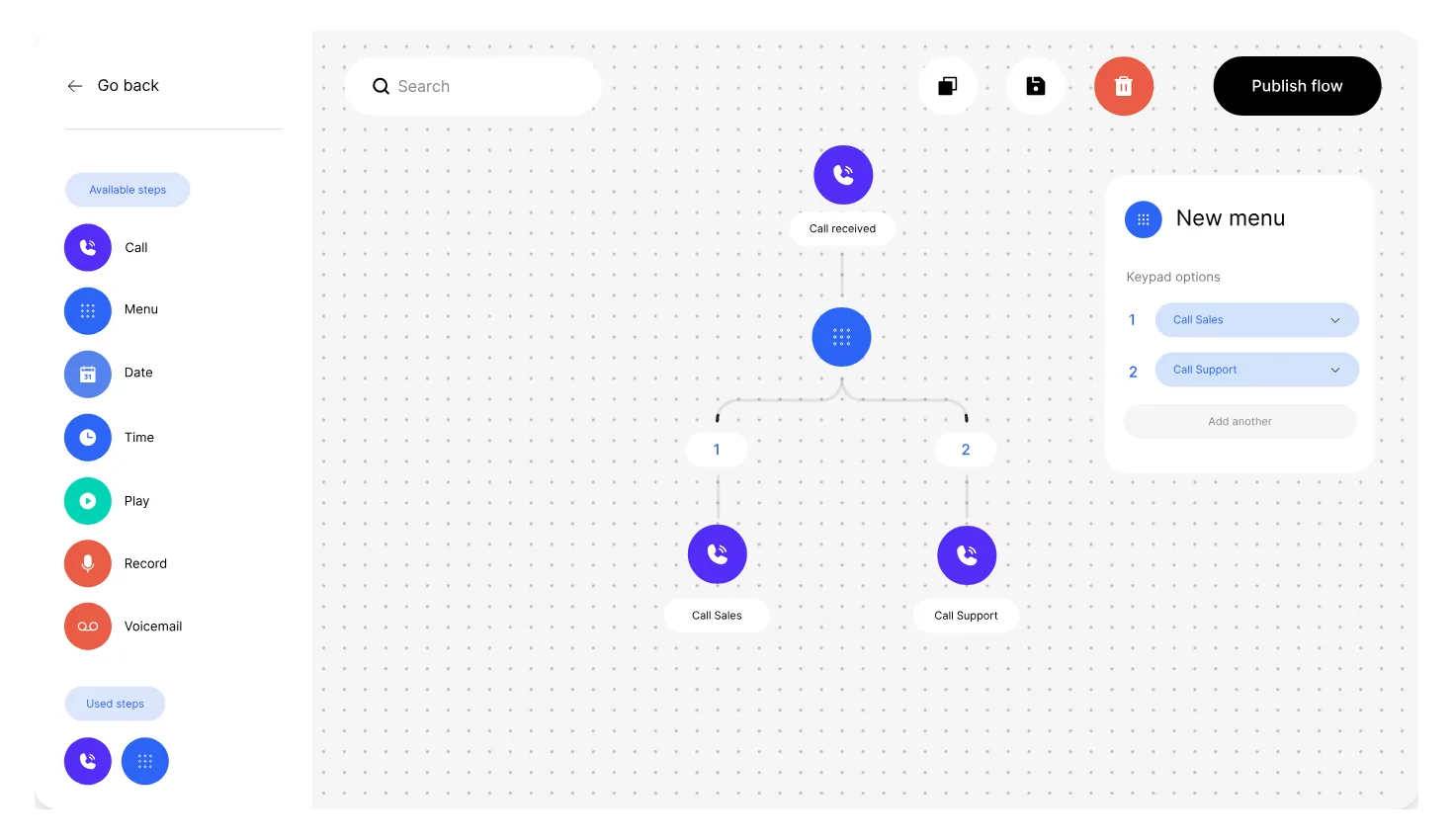
Design your IVR in Flow, Enfonica's visual call flow builder. Drag in menus, business hours and voicemail, then publish in an instant. Autonomy never felt so good.
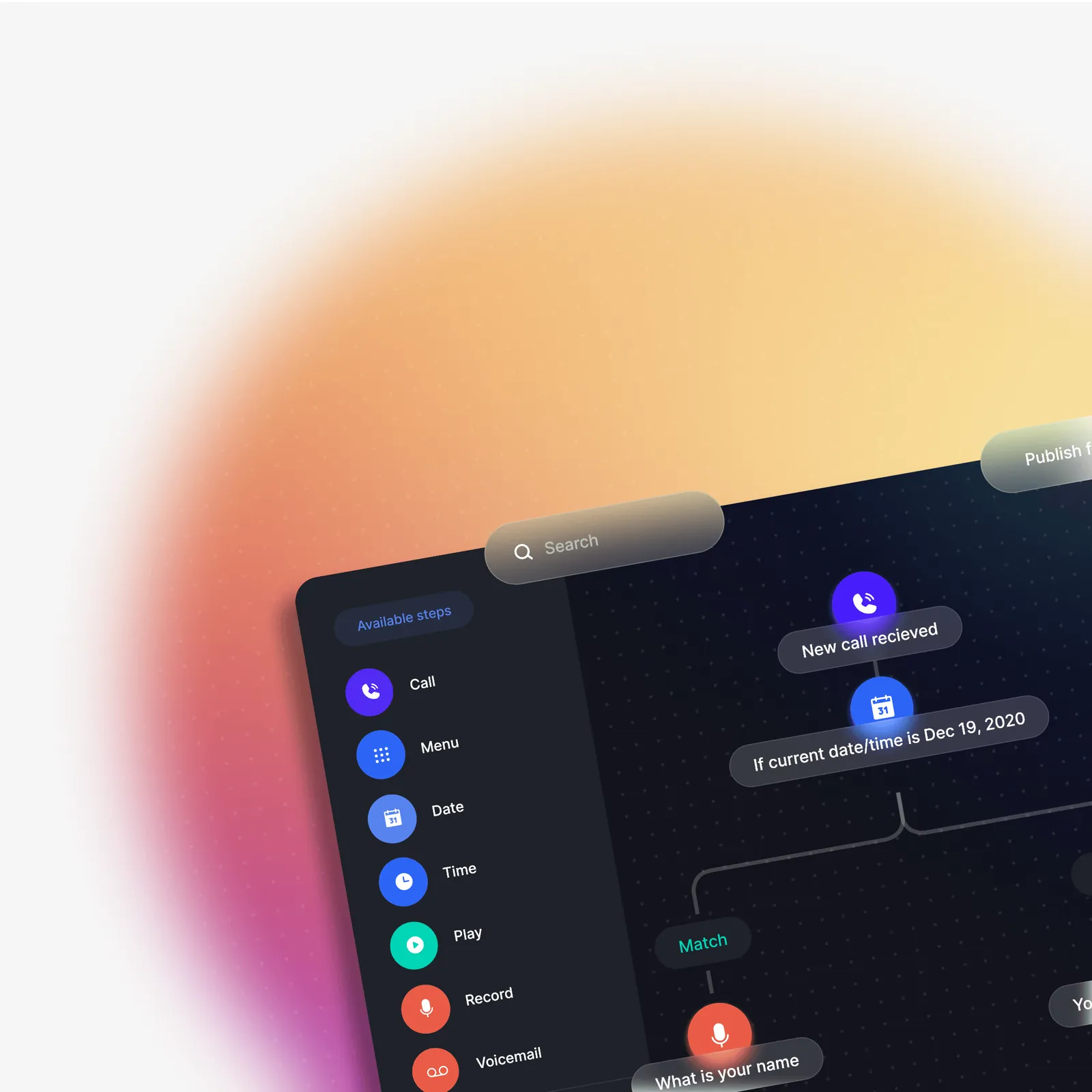
Build the call experience you want your customers to have.
Have full control of your call flow. Get complete control over how your customers connect with your business by building custom call flows in our intuitive visual editor.
Practical features. You don't need to be a flow-chart master. With practical features such as time, day and geographic routing, IVR menus and voicemail to email, you can build what you need without breaking a sweat.
It's easy. No need for complex telco infrastructure and terminology. Just drag and drop.
Prefer to write code? Build fully custom calling experiences with the Cloud Voice API and VoiceML instead.
Build IVR call flows in four simple steps.
-
Create
Create a new flow. The flow is triggered when there is an incoming call.
-
Guide
Guide your callers through the experience with input and data-based decision-making steps.
-
Route
Route your callers to your office, call center or personal mobile, or send them to voicemail if you're unavailable.
-
Publish
Publish the flow and you're ready to go. You can even assign the same flow to multiple phone numbers.
What can you use with the Enfonica platform.

Cloud Voice
Use code to build highly customizable voice calling experiences when people call your phone number.

Cloud SIP
Scalable SIP trunking with flexible pay-as-you-go pricing. Create a SIP trunk and it's ready instantly.

Cloud SMS
Use code to send SMS from, and receive SMS to, your phone number.

Analytics
Find the insights you need, fast. Stay up to date with the telco data that matters most to you.
What teams build with Flow.
-

Build an IVR without code
Build phone menus, business-hours routing and voicemail to email in Flow, or have our team build them for you.
Who runs it:
- Small business
- MSPs
-
Send callers to their nearest location
Route each caller to the closest store or office, based on where they're calling from.
Who runs it:
- Small business
-
Spread calls across sites, with failover
Send incoming calls to more than one PBX or site, and fail over automatically when one can't take the call.
Who runs it:
- Contact centers
- MSPs
Full control.

Intuitive drag-and-drop interface
Create call flows unique to your business without writing any code. Our intuitive features and drag-and-drop interface let you create the call flow you need.

Data-driven routing
Route calls the smart way, based on data. Using Flow steps, you can route calls based on a specific date, the day of the week or even the caller's location.

Keep track of changes
Make iterative, versioned improvements to your flows. Keep an entire history of your flows, and roll back if and when you need to.
"As a market research call centre, we need reliable and scalable telecommunications services and Enfonica has proven to be a strong partner for us. Enfonica took the time to assist us in moving from our previous provider, collaborated effectively with our other vendors and service providers, and even customised their services to better fit with our operations. Their commitment to customer support is commendable, and their promptness in procuring phone numbers from around the country has been impressive. It is such a refreshing change to deal with a nimble, knowledgeable and capable partner in telecommunications."
 Michael Harding, Managing Director at Q&A Market Research Services Pty Ltd
"Enfonica's dedicated team went above and beyond to ensure a smooth transition from our previous provider, offering an impressive level of proactive customer support that we hadn't experienced before. They took the time to provide us with custom documentation, personalised training sessions, and even worked with our other providers to help migrate our diallers. Enfonica's commitment to customer understanding and satisfaction truly sets them apart."
 Michael Trigwell, Managing Director at Taverner Research Group
"In our business, the importance of reliable telecommunications cannot be understated. Enfonica has not only delivered high-quality SIP services but also proved themselves as true industry professionals. They've taken the time to share knowledge on the intricacies of Australian telecommunication networks, providing deep technical insights along with their exceptional support. They've been an invaluable resource to us."
 Sam Luddon, Dialler & Reporting Analyst at The Social Research Centre
"The flexibility to easily manage and provision voice services using their online platform has streamlined our operations. The real-time call data and SIP traces empower our technical team to stay on top of things, ensuring smooth communication services for our clients."
 Keith Mino, CEO at Mino IT Managed Services
"Patients and health care professionals around Australia rely on WeKo for timely notifications about upcoming appointments and e-Health questionnaires. By switching over to Enfonica, we have improved the delivery of our SMS to patients and reduced our costs by 30%."
 Ian Daniel, Chief Technology Officer at WeKo